Getting high-quality graphics out of JMP
A how-to on getting high-resolution graphics out of JMP. The second of two posts on creating high-quality graphics for publications and presentations.

JMP
Hover Label customized with extensions In this first post of a series about the JMP 15 hover label extensions, we look into how hover labels support critical exploratory data analysis tasks. We also preview how the new features expand the hover label capabilities to include support for data-driven rich text, content customization, embedded visualizations and images, and even new exploratory work...
nascif_jmp
Patterned wafer maps are dead simple to create in a pinch.
Now is the time to take your JMP skills to the next level, and we’ve got the learning resources to help you on your way, no matter where you’re starting!
With JMP Clinical’s Set Value Order and Color in Studies feature, users can customize the display of CDISC variables and levels collected in study metadata. The Set Value Order and Color in Studies dialog in JMP Clinical 8.
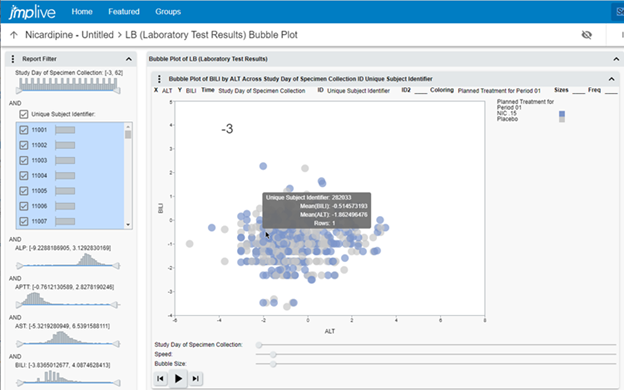
JMP Clinical offers multiple ways to share report results, from static reports to an in-product review viewer. New to JMP Clinical 8 is the ability to publish these results to JMP Live.Findings Bubble Plot in JMP Live.
Before we start with any serious code wrangling, let’s cover what do to when things go sideways.
Geocoding has been around for some time. But now, this service is offered via REST interfaces which provide more flexibility and accuracy. I created an add-in that uses the service from Mapquest to find geo-codes for addresses and calculate distances, travelling times or complete routes between pairs of locations. This is the description of its functionality and usage.
bernd_heinen
In the JSL Cookbook is a JSL routine that you can use to send an address to a MapQuest server and get geo-coordinates back. Here, I describe its usage.
bernd_heinen
In the JSL Cookbook is a function that you can use to determine distances, traveling times and complete routings between pairs of addresses. Here, I describe its usage.
bernd_heinen
APIs and other machine generated code often delivers very complicated data structures. I found it helpful to have a tool that displays complicated structures graphically. Here is a routine that does it for any level and combination of stacked arrays and lists.
bernd_heinen
MapQuest provides a REST interface for geocoding and routing. In my Geocoding 2020 add-in, I'm using this interface. In a code snippet in the JSL cookbook, I encapsulated just the REST call. You may use it for your own programs or just to see how it works.
bernd_heinen
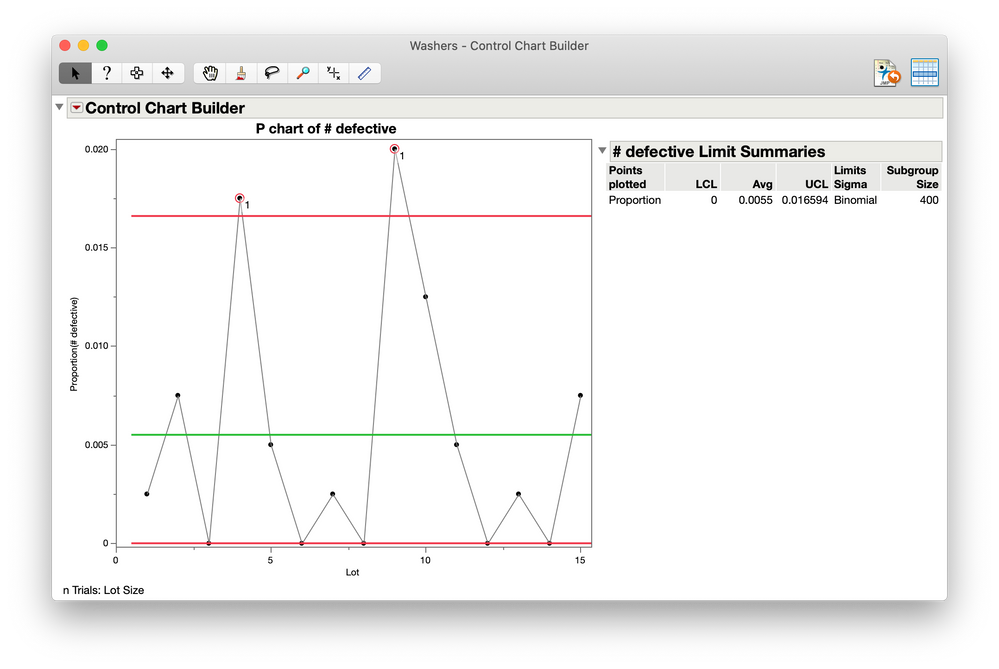
In JMP 16, when control charts are published to JMP Live and have warnings, interested parties can automatically be notified.
This one is a doozy!
Today we are going to use the JSL script window. I know that can be anxiety-inducing to some of you. Let’s take some deep breaths and get to it.
Here are my favorite helps for JSL.
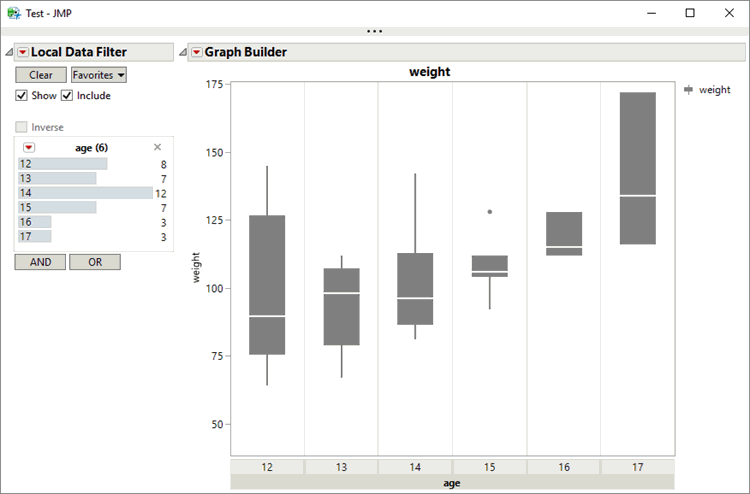
By using an incremental approach, it may be possible to slightly adjust the appearance of a graph in order to obtain better interactivity on JMP Live. A data filter and box plot in JMP Live.
Administrating groups in JMP Live presents a different challenge, as groups have their own subsets of users and administrators.