Turn on suggestions
Auto-suggest helps you quickly narrow down your search results by suggesting possible matches as you type.
- JMP Statement Regarding Critical PHP Remote Code Execution Vulnerabilities (CVE-2026-109618, CVE-2026-109619)
- Don’t miss your chance to experience Discovery Summit Europe at our best available rate! Early bird registration through 31 Oct.
- Graph Builder Toolbar streamlines interactive graphing. Creates shortcuts on Report and GraphBuilder Helpers toolbars. Download and install the extension.
Options
- Subscribe to RSS Feed
- Mark Topic as New
- Mark Topic as Read
- Float this Topic for Current User
- Bookmark
- Subscribe
- Mute
- Printer Friendly Page
Discussions
Solve problems, and share tips and tricks with other JMP users.- User Community
- :
- Discussions
- :
- Open an html file with JMP's built-in browser. How do I get the content displaye...

Level IX
- Mark as New
- Bookmark
- Subscribe
- Mute
- Subscribe to RSS Feed
- Get Direct Link
- Report Inappropriate Content
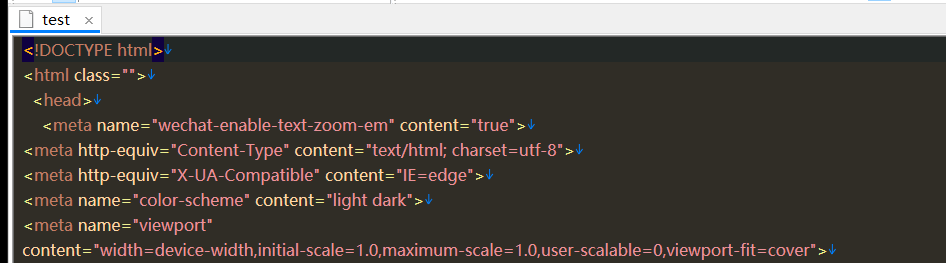
Open an html file with JMP's built-in browser. How do I get the content displayed with JSL?
Created:
Apr 3, 2024 06:58 AM
| Last Modified: Apr 3, 2024 3:59 AM
(3991 views)
This removes html structure files quickly.
Thanks!
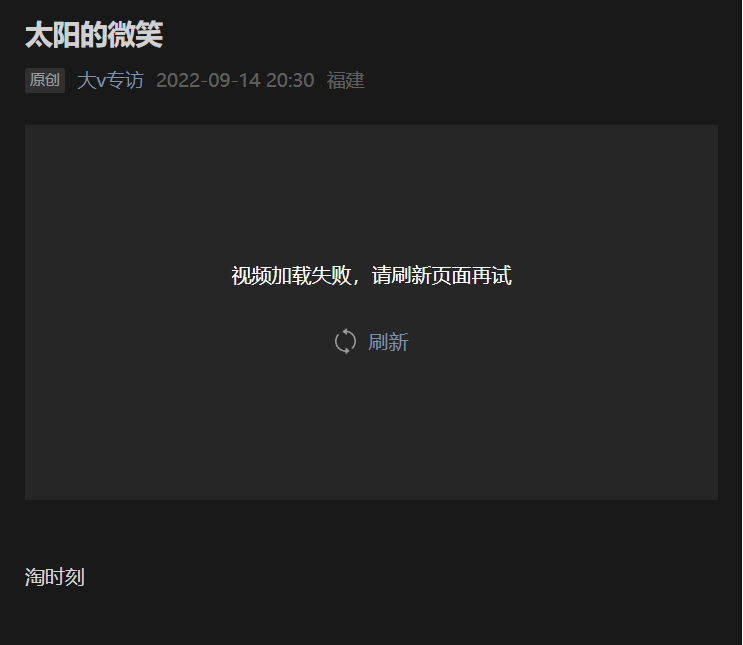
太阳的微笑
原创 大v专访 2022-09-14 20:30 福建

淘时刻
人划线
1 ACCEPTED SOLUTION
Accepted Solutions


Super User
Solution
- Mark as New
- Bookmark
- Subscribe
- Mute
- Subscribe to RSS Feed
- Get Direct Link
- Report Inappropriate Content
Re: Open an html file with JMP's built-in browser. How do I get the content displayed with JSL?
If you already have the .html you can just load it using Load Text File().
-Jarmo
6 REPLIES 6
Level IX
- Mark as New
- Bookmark
- Subscribe
- Mute
- Subscribe to RSS Feed
- Get Direct Link
- Report Inappropriate Content
回复: Open an html file with JMP's built-in browser. How do I get the content displayed with JSL?
Super User
- Mark as New
- Bookmark
- Subscribe
- Mute
- Subscribe to RSS Feed
- Get Direct Link
- Report Inappropriate Content
Re: Open an html file with JMP's built-in browser. How do I get the content displayed with JSL?
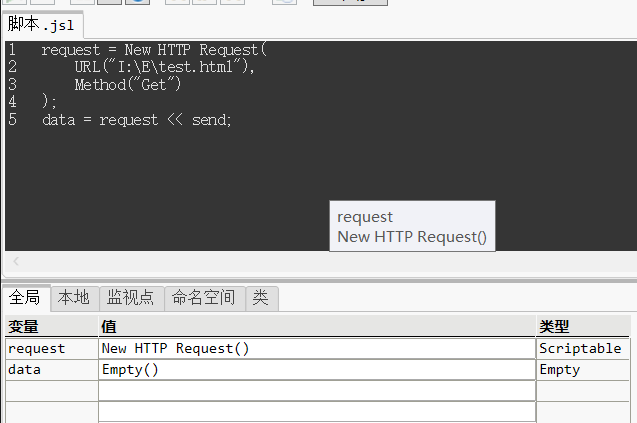
Use New HTTP Request with Get method on the URL
request = New HTTP Request(
	URL("https://www.jmp.com/en_fi/home.html"),
	Method("Get")
);
data = request << send;
You might also have REST API endpoint you could use. If these aren't enough might have to use something like SeleniumBrowser Scripting with Python Selenium
-Jarmo
Level IX
- Mark as New
- Bookmark
- Subscribe
- Mute
- Subscribe to RSS Feed
- Get Direct Link
- Report Inappropriate Content
Re: Open an html file with JMP's built-in browser. How do I get the content displayed with JSL?
This is the only result:
Thanks Experts!
Super User
Solution
- Mark as New
- Bookmark
- Subscribe
- Mute
- Subscribe to RSS Feed
- Get Direct Link
- Report Inappropriate Content
Re: Open an html file with JMP's built-in browser. How do I get the content displayed with JSL?
If you already have the .html you can just load it using Load Text File().
-Jarmo
Level IX
- Mark as New
- Bookmark
- Subscribe
- Mute
- Subscribe to RSS Feed
- Get Direct Link
- Report Inappropriate Content
Re: Open an html file with JMP's built-in browser. How do I get the content displayed with JSL?
Dealing with this type of code with JAVA interactions can be complex.
u="";txt=loadtextfile(u);In the first post, I had to upload this html file
Thanks Experts!
Level IX
- Mark as New
- Bookmark
- Subscribe
- Mute
- Subscribe to RSS Feed
- Get Direct Link
- Report Inappropriate Content
Re: Open an html file with JMP's built-in browser. How do I get the content displayed with JSL?
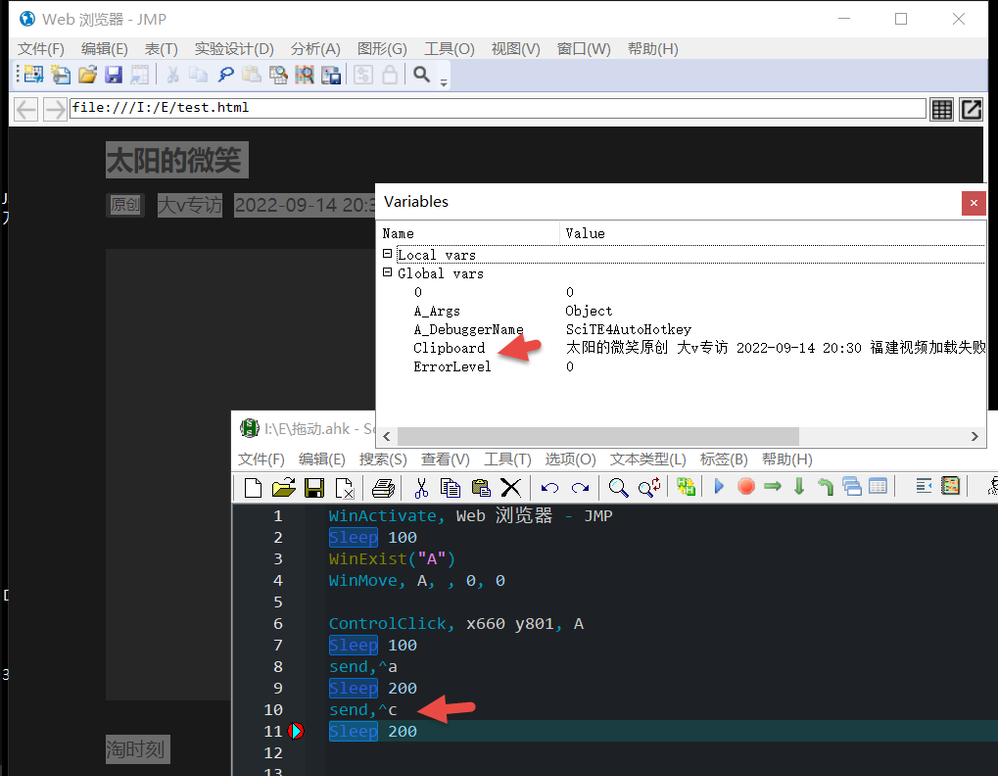
Call AutoHotkey with JSL to copy.
Recommended Articles
- © 2026 JMP Statistical Discovery LLC. All Rights Reserved.
- Terms of Use
- Privacy Statement
- Contact Us