cancel
Showing results for 
Show  only  | Search instead for 
Did you mean: 
  • Learn how to build custom Python data connectors and further customize JMP’s Data Connector Framework with the Python Data Connector Demo, available now in the JMP Marketplace!
  • See how to create experiments to support product design and ID useful product features. Register for June 12 webinar, 2pm US Eastern Time.

JMP Wish List

We want to hear your ideas for improving JMP. Share them here.
Choose Language Hide Translation Bar

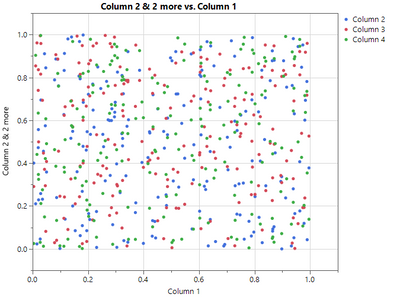
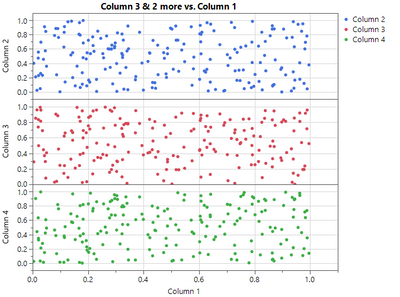
One-click Expanding of the X/Y Variables in Graph Builder

JustinSuIntel_1-1614364640069.png

One Click

JustinSuIntel_3-1614364724794.png


1 Comment
hogi
Level XIII

This can be easily accomplished via scripting:

dummy plot as input:

Graph Builder(
	Variables( X( :weight ), Y( :weight ), Y( :height, Position( 1 ) ) ),
	Elements(
		Points( X, Y( 1 ), Y( 2 )),
		Smoother( X, Y( 1 ), Y( 2 ) )
	)
);

hogi_0-1760731885663.png


Names Default To Here(1)

myScript = ((current report()[OutlineBox(1)]) << get scriptable object())<< get script;
Eval(Substitute(Name Expr(myScript), Expr(Position()), {}));

the idea: replace the position() commands with something innocent.