cancel
Showing results for 
Show  only  | Search instead for 
Did you mean: 
  • JMP will suspend normal business operations for our Winter Holiday beginning on Wednesday, Dec. 24, 2025, at 5:00 p.m. ET (2:00 p.m. ET for JMP Accounts Receivable).
    Regular business hours will resume at 9:00 a.m. EST on Friday, Jan. 2, 2026.
  • We’re retiring the File Exchange at the end of this year. The JMP Marketplace is now your destination for add-ins and extensions.

Discussions

Solve problems, and share tips and tricks with other JMP users.
Choose Language Hide Translation Bar
waraulston
Level II

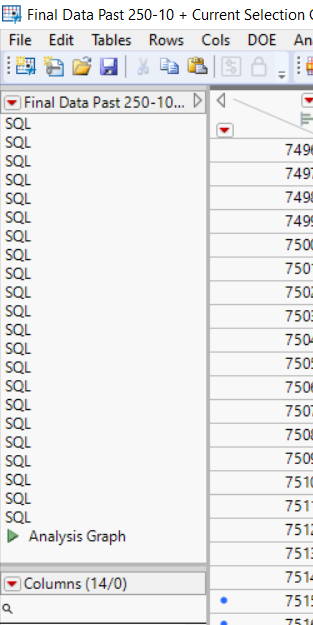
How do I remove the "SQL" variable from the script section of my table?

This table is created automatically by concatenating many subsets together. Each time I concatenate, an "SQL" variable shows up. I am able to delete the other scripts that come up, but I have not been able to delete this one so far. Any help is much appreciated.Example for Forum.png

1 REPLY 1
jthi
Super User

Re: How do I remove the "SQL" variable from the script section of my table?

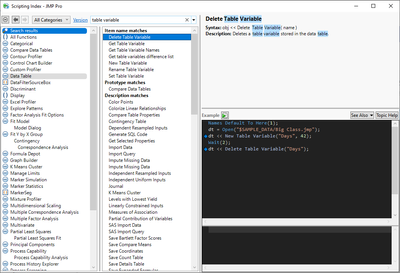
SQL is table variable not table script, so it needs different message (<< Delete Table Variable("name of variable"))
jthi_0-1690310869584.png

Names Default To Here(1);
dt = Open("$SAMPLE_DATA/Big Class.jmp");
dt << New Table Variable("Days", 42);
Wait(2);
dt << Delete Table Variable("Days");
-Jarmo

Recommended Articles
