cancel
Showing results for 
Show  only  | Search instead for 
Did you mean: 
  • Sign-in to the JMP Community will be unavailable intermittently Dec. 6-7 due to a system update. Thank you for your understanding!
  • We’re retiring the File Exchange at the end of this year. The JMP Marketplace is now your destination for add-ins and extensions.
  • JMP 19 is here! Learn more about the new features.

Discussions

Solve problems, and share tips and tricks with other JMP users.
Choose Language Hide Translation Bar
waraulston
Level II

How do I remove the "SQL" variable from the script section of my table?

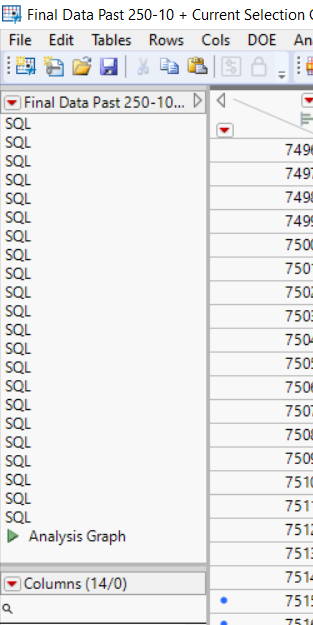
This table is created automatically by concatenating many subsets together. Each time I concatenate, an "SQL" variable shows up. I am able to delete the other scripts that come up, but I have not been able to delete this one so far. Any help is much appreciated.Example for Forum.png

1 REPLY 1
jthi
Super User

Re: How do I remove the "SQL" variable from the script section of my table?

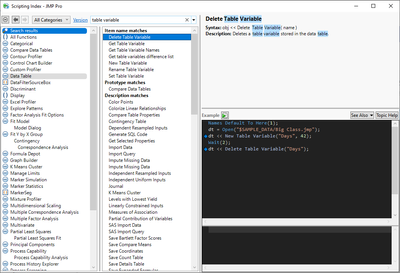
SQL is table variable not table script, so it needs different message (<< Delete Table Variable("name of variable"))
jthi_0-1690310869584.png

Names Default To Here(1);
dt = Open("$SAMPLE_DATA/Big Class.jmp");
dt << New Table Variable("Days", 42);
Wait(2);
dt << Delete Table Variable("Days");
-Jarmo

Recommended Articles
