- DownloadSemiconductor Toolkit: Tools to create wafer maps, add wafer geometry to graphics, explore die defects & compare wafers.
- Discovery Summit 2026: Early User Edition - September 23-24.Register. It's free.
- Subscribe to RSS Feed
- Mark Topic as New
- Mark Topic as Read
- Float this Topic for Current User
- Bookmark
- Subscribe
- Mute
- Printer Friendly Page
Discussions
Solve problems, and share tips and tricks with other JMP users.- User Community
- :
- Discussions
- :
- Graph builder overlay setting

- Mark as New
- Bookmark
- Subscribe
- Mute
- Subscribe to RSS Feed
- Get Direct Link
- Report Inappropriate Content
Graph builder overlay setting
Dear all,
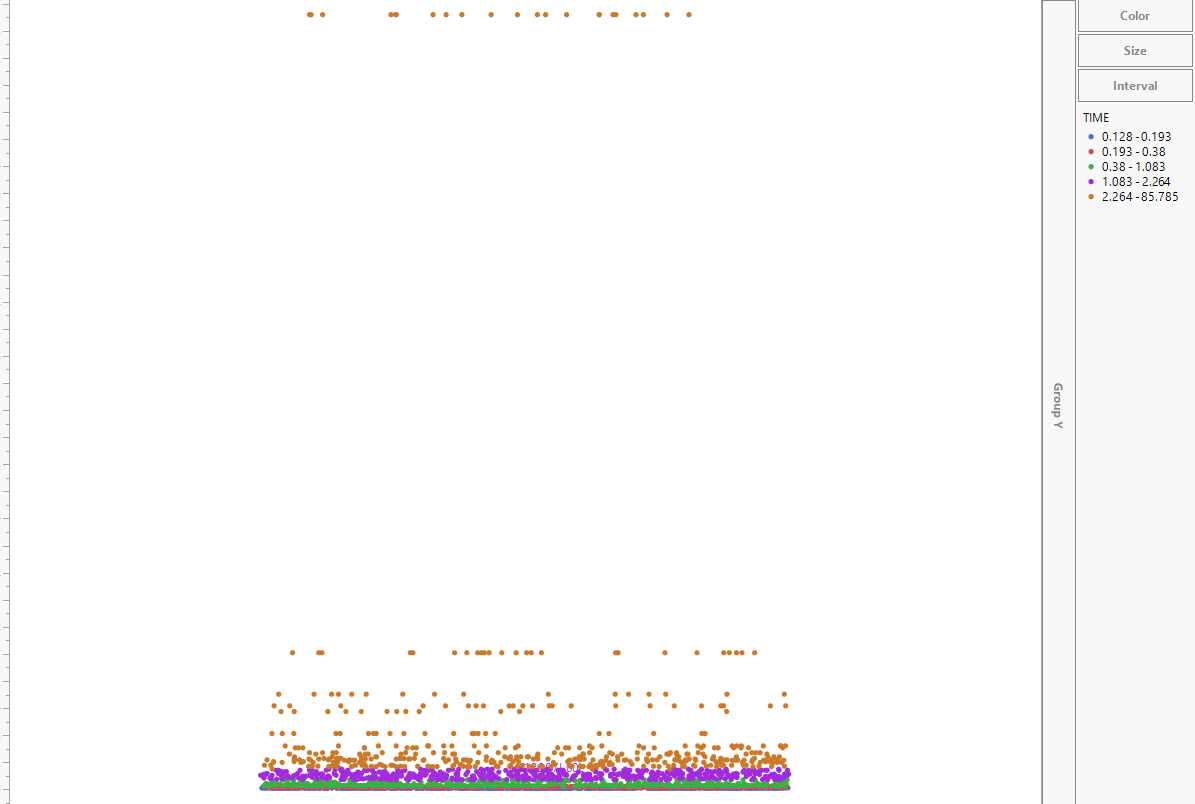
I would like to know if I can assign color to specific data range in graph builder?
for example ( please refer to attached photo) , the default color blue is assigned to data ranging from 0.128~0.193 ,so can i change to 0.128~0.228 ?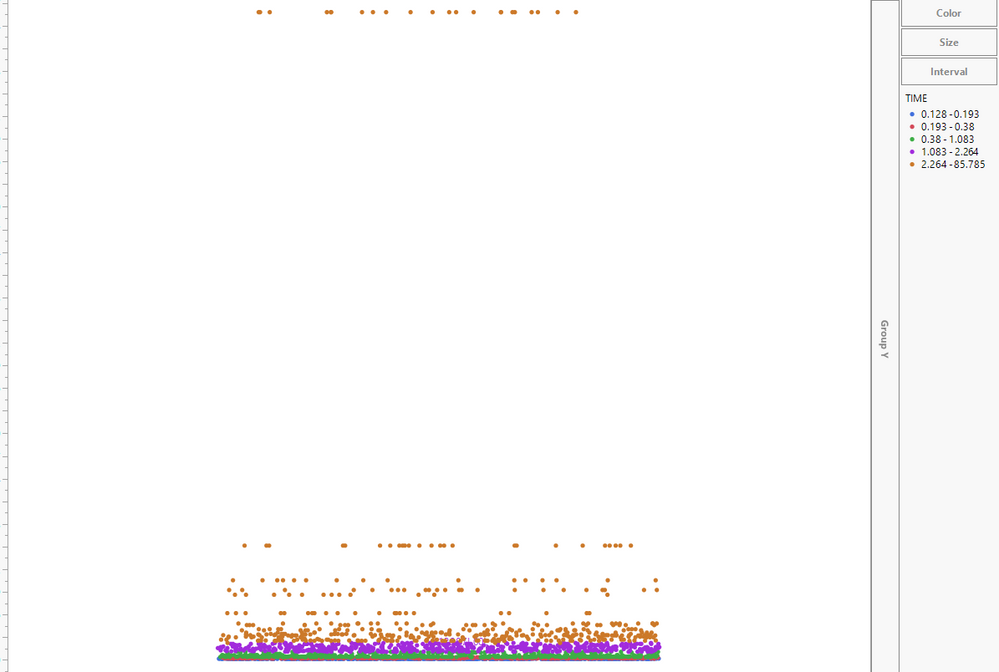
Accepted Solutions


- Mark as New
- Bookmark
- Subscribe
- Mute
- Subscribe to RSS Feed
- Get Direct Link
- Report Inappropriate Content
Re: Graph builder overlay setting
I had previously posted a solution, but it was based on an unreleased feature-in-progress for a future release. I do not believe the levels can be customized in JMP 15 or earlier. Sorry for the confusion.
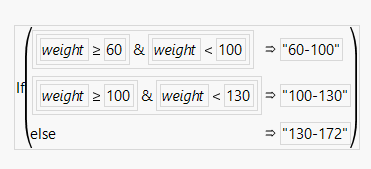
Since I have to retract the original suggestion, perhaps a workaround would be useful. I would suggest creating a formula column to create the desired overlay categories. For example:
- Mark as New
- Bookmark
- Subscribe
- Mute
- Subscribe to RSS Feed
- Get Direct Link
- Report Inappropriate Content
Re: Graph builder overlay setting
I had previously posted a solution, but it was based on an unreleased feature-in-progress for a future release. I do not believe the levels can be customized in JMP 15 or earlier. Sorry for the confusion.
Since I have to retract the original suggestion, perhaps a workaround would be useful. I would suggest creating a formula column to create the desired overlay categories. For example:
- Mark as New
- Bookmark
- Subscribe
- Mute
- Subscribe to RSS Feed
- Get Direct Link
- Report Inappropriate Content
Re: Graph builder overlay setting
- Mark as New
- Bookmark
- Subscribe
- Mute
- Subscribe to RSS Feed
- Get Direct Link
- Report Inappropriate Content
Re: Graph builder overlay setting
- Mark as New
- Bookmark
- Subscribe
- Mute
- Subscribe to RSS Feed
- Get Direct Link
- Report Inappropriate Content
Re: Graph builder overlay setting
when will the custom levels be released?
Recommended Articles
- © 2026 JMP Statistical Discovery LLC. All Rights Reserved.
- Terms of Use
- Privacy Statement
- Contact Us