cancel
Showing results for 
Show  only  | Search instead for 
Did you mean: 
  • Sign-in to the JMP Community will be unavailable intermittently Dec. 6-7 due to a system update. Thank you for your understanding!
  • We’re retiring the File Exchange at the end of this year. The JMP Marketplace is now your destination for add-ins and extensions.
  • JMP 19 is here! Learn more about the new features.

Discussions

Solve problems, and share tips and tricks with other JMP users.
Choose Language Hide Translation Bar
Kremnitzer73
Level I

Application Builder - How to Make a Picture Appear, Only After a Button is pressed by the user.

Hello,

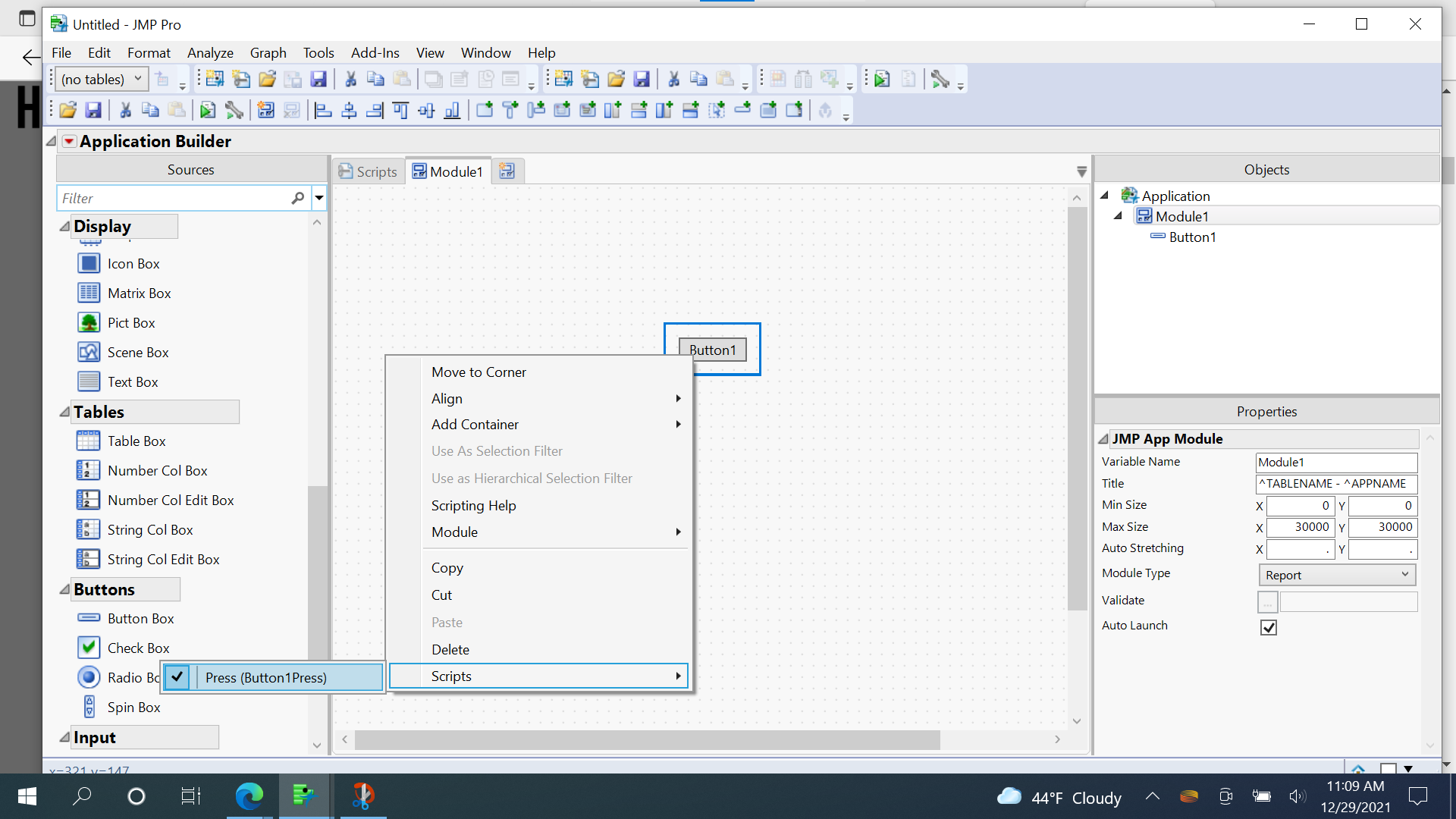
I was wondering if anyone could give me an example of the script on how to make a picture appear after a button is pressed in Application Builder. I understand the function pressed for the button, but I am new to jmp and I am unsure how to write the code in the middle of that function. 

Thank you for any input,

A. Kremnitzer

1 REPLY 1
frank_wang
Level IV

Re: Application Builder - How to Make a Picture Appear, Only After a Button is pressed by the user.

Hi Kremnitzer

This video may help you understand how appliaction use.

URL:  


心若止水

Recommended Articles