To use JMP, the software needs to verify that you have been authorized by your software administrator.
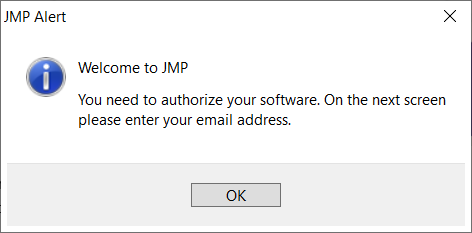
To continue the verification process,
- Click OK in the Welcome to JMP dialog
- Enter the email address your software administrator used to grant you authorization.
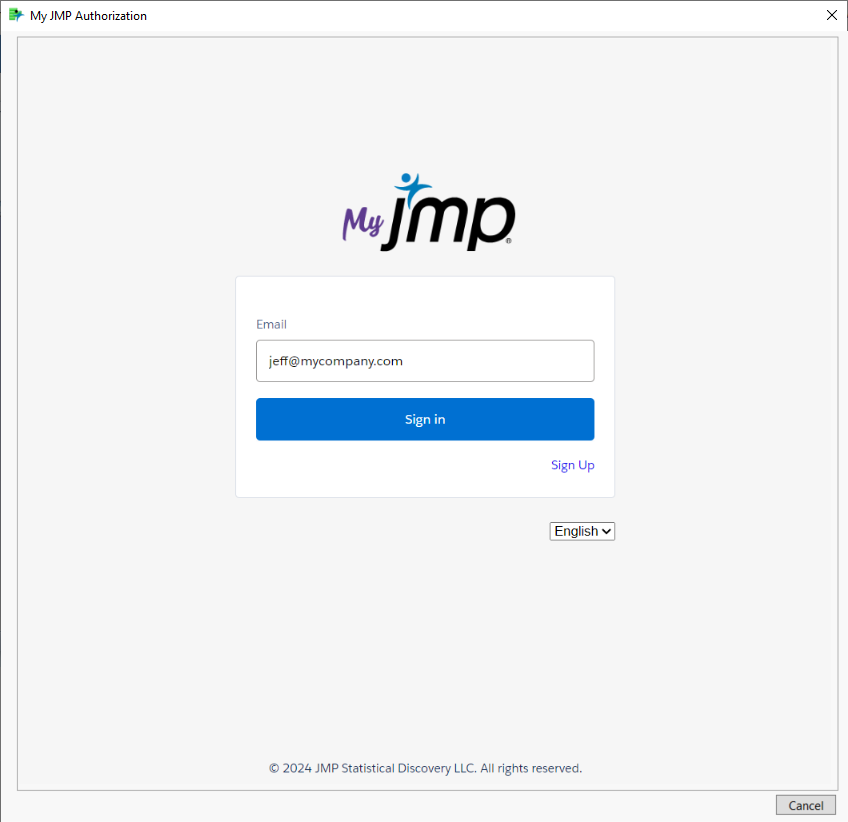
- Click Sign in.
- (Optional) If you have not created a My JMP ID, enter the additional information requested then click Sign Up.
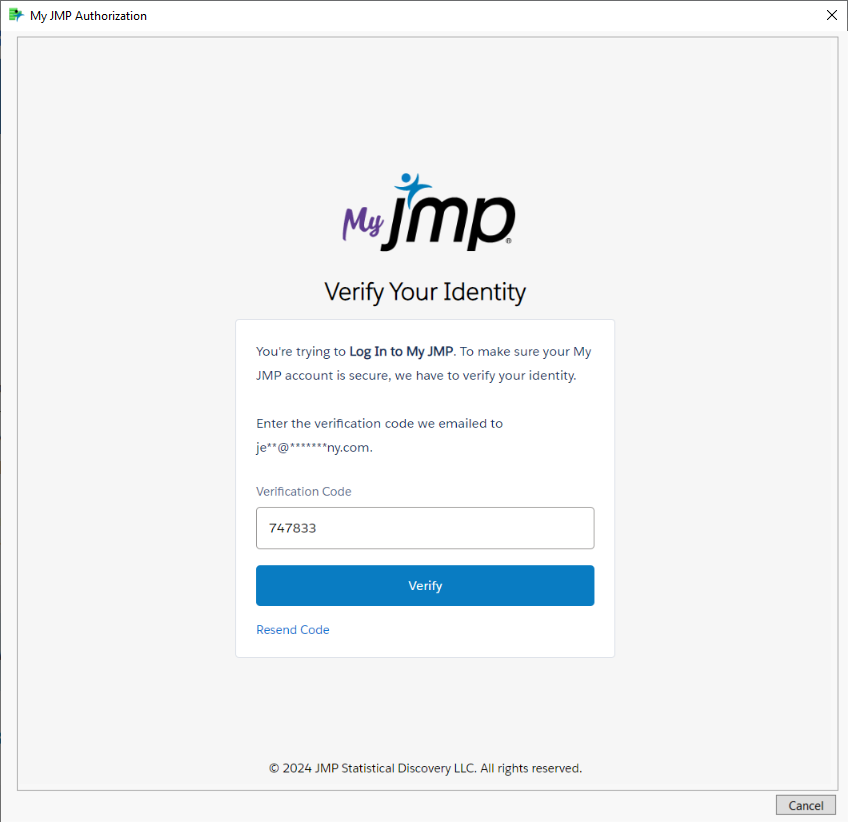
- Enter the verification code then click Verify.
- (Optional) If you have not created a My JMP ID, review and accept the terms and conditions.
JMP will now check to see if you have been authorized.
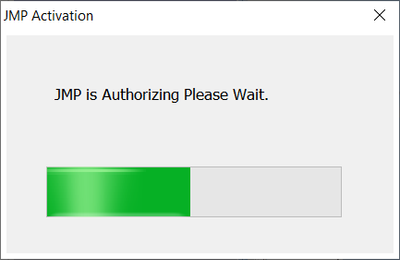
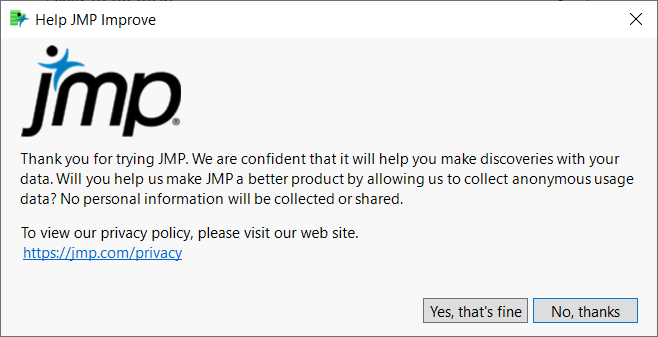
If verification was successful, you will be asked to improve the software by allowing JMP to collect anonymous usage data.
You can now start exploring with JMP!
Note: Once the software has performed the initial verification, only occasionally will you be prompted for your My JMP ID information when opening JMP.