Learn how to build custom Python data connectors and further customize JMP’s Data Connector Framework with the Python Data Connector Demo, available now in the JMP Marketplace!
See how to move from signal modeling to system modeling at the first JMP Aerospace Analytics webinar. Register. June 18, 1 p.m. US Eastern Time.
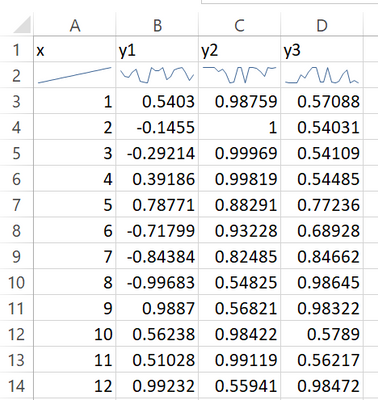
I do see the histogram / heat map / run chart options in the Preferences menu -> Tables -> Header Summary Graphs.
From what I can see, I'd have to choose globally whether I want say a histogram or run chart for all continuous properties. Can it be modified individually as appropriate?