When launching JMP Clinical 18.2.1 on Mac OS, the JMP log shows this message:
"WARNING: The Holidays data table could not be create/updated."
exception_msg[1] = "Traceback (most recent call last):
File \!"<string>\!", line 7, in <module>
ModuleNotFoundError: No module named 'holidays'
"(1, 2);
"No RoleAssignments were made in the system.clinical.preferences file."
Expr: hasStudyManagerRole = 1;
Running the Weekdays and Holidays report results in the error shown below. The report fails to generate.
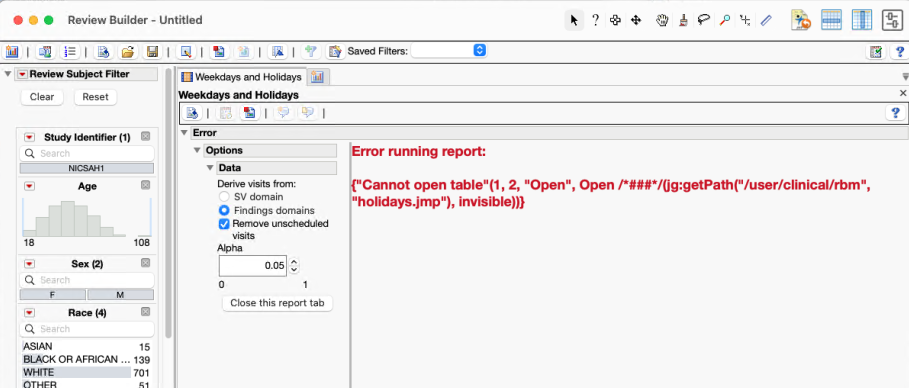
There is a workaround to run this report in JMP Clinical 18.2.1 on Mac. In the JMP Python Script Editor, run the below script to properly install the libraries.
import jmputils
jmputils.jpip(["install", "--no-index", "--find-links=/Library/Application Support/JMP/JMPClinical/18/Clinical/JSLFiles/PythonLibraries/holidays"], ["holidays"])
The Weekdays and Holidays report can now be generated.