The JMP Notebook add-in provides a new way to create interactive presentations in JMP.
It provides three options for types of cells: Text, Script, and Picture. Text can be formatted in several ways, scripts can be run and results shown in the notebook, and pictures can be either embeded in the notebook or just a path to the image can be remembered.
Here are a list of other notable features:
- Save and re-open your notebooks as 'jmpnb' files.
- Convert a notebook to a single JSL script with text as comments.
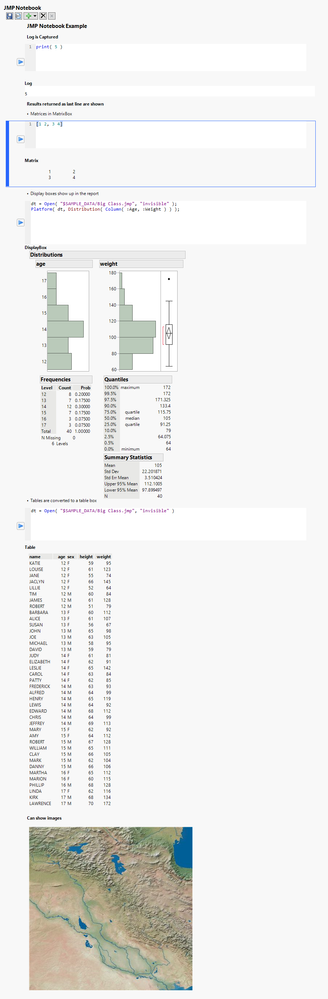
- View log, return results, and reports directly within notebook
Below is an image of an entire notebook. On your screen this would actually show up
I would consider this project to be still in the beta stage of development, but I've decided to go ahead and release it to get some feedback.
Some things I know would be nice to have:
- Being able to edit existing cells
- Run to selected cell


