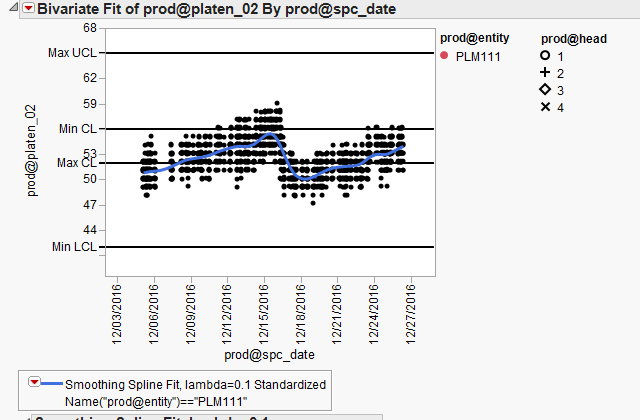
Here is a example script that will create a bivariate chart with the 2 Row Legends. It then waits 5 seconds, and clears the Row States in your data table. The end result of this is that the display will then change to reflect the new values of the Row States in the data table. I suspect, in your script, you are creating the bivariate chart, and then the Row Legends, and then somewhere later in your script you are clearing the Row States in your data table. If you want the chart to remain static after you create it, I suggest that once you create the chart in the form you want it, that you save it to a journal.
Names Default To Here( 1 );
dt = Open( "$SAMPLE_DATA/Big Class.jmp" );
dt << Bivariate(
	Y( :height ),
	X( :weight ),
	Kernel Smoother( 1, 1, 0.5, 0 ),
	SendToReport(
		Dispatch(
			{},
			"Bivar Plot",
			FrameBox,
			{Row Legend(
				sex,
				Color( 1 ),
				Color Theme( "JMP Default" ),
				Marker( 0 ),
				Marker Theme( "" ),
				Continuous Scale( 0 ),
				Reverse Scale( 0 ),
				Excluded Rows( 0 )
			), Row Legend(
				age,
				Color( 0 ),
				Color Theme( "" ),
				Marker( 1 ),
				Marker Theme( "Hollow" ),
				Continuous Scale( 0 ),
				Reverse Scale( 0 ),
				Excluded Rows( 0 )
			)}
		)
	)
);

// wait 5 seconds and then clear the row states in the data table
wait(5);
dt << clear row states;
Jim