- Discovery Summit 2026: Early User Edition - September 23-24.Register. It's free.
- Graph Builder Toolbar streamlines interactive graphing. Creates shortcuts on Report and GraphBuilder Helpers toolbars. Download and install the extension.
- Subscribe to RSS Feed
- Mark Topic as New
- Mark Topic as Read
- Float this Topic for Current User
- Bookmark
- Subscribe
- Mute
- Printer Friendly Page
Discussions
Solve problems, and share tips and tricks with other JMP users.- User Community
- :
- Discussions
- :
- Adding associated data to the report

- Mark as New
- Bookmark
- Subscribe
- Mute
- Subscribe to RSS Feed
- Get Direct Link
- Report Inappropriate Content
Adding associated data to the report
Dear all,
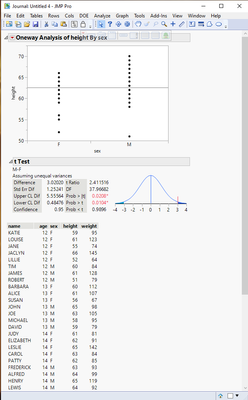
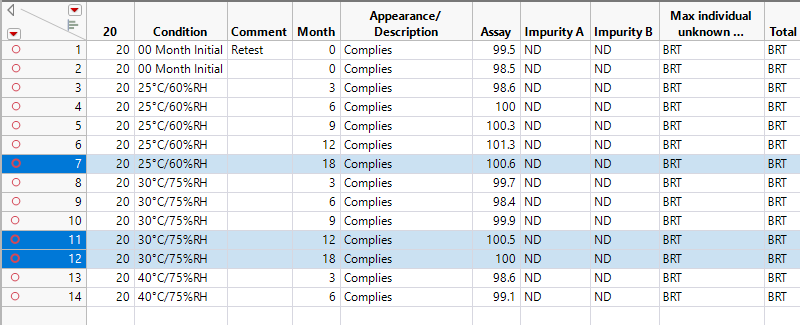
i'm trying to include the associated data in the pdf report on an analysis but i didn't find a way to do it. i can print the datatable separately but i need to be included as a section of the report, like the graphs. to be more clear i attached a screenshot of the associated table that i want to include in the report.
thank you for any suggestion,
Simone
- Tags:
- Mass Customization
Accepted Solutions


- Mark as New
- Bookmark
- Subscribe
- Mute
- Subscribe to RSS Feed
- Get Direct Link
- Report Inappropriate Content
Re: Adding associated data to the report
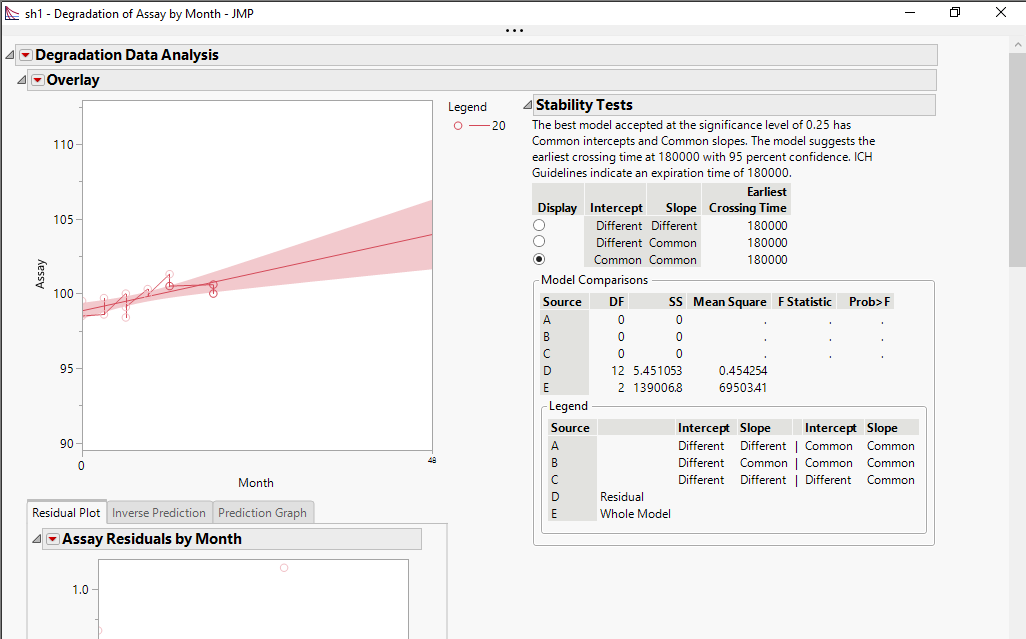
If you click on your report window to change the focus to that window, and then do the key stroke, CNTL/J, it will make a copy of the report in a JMP journal. Then click on the data table window, and do the key stroke CNTL/J and it will copy the data table to the JMP journal. Using drag and drop, you can move the various objects around within the window.
I suggest that you take the time to read the document Discovering JMP. It will give you a good background on things such as the above solution.
Help=>Discovering JMP
- Mark as New
- Bookmark
- Subscribe
- Mute
- Subscribe to RSS Feed
- Get Direct Link
- Report Inappropriate Content
Re: Adding associated data to the report
If you click on your report window to change the focus to that window, and then do the key stroke, CNTL/J, it will make a copy of the report in a JMP journal. Then click on the data table window, and do the key stroke CNTL/J and it will copy the data table to the JMP journal. Using drag and drop, you can move the various objects around within the window.
I suggest that you take the time to read the document Discovering JMP. It will give you a good background on things such as the above solution.
Help=>Discovering JMP
- Mark as New
- Bookmark
- Subscribe
- Mute
- Subscribe to RSS Feed
- Get Direct Link
- Report Inappropriate Content
Re: Adding associated data to the report
Many many many thanks Jim..you saved. i will look into the document you highlighted
Simone
Recommended Articles
- © 2026 JMP Statistical Discovery LLC. All Rights Reserved.
- Terms of Use
- Privacy Statement
- Contact Us