These hands-on activities allow you to practice importing data from Excel into JMP using the Excel Import Wizard. The data files for the activity are in the zip file attached to this post. Extract the data in Excel Import Hands-on Activity.zip for use in the following activities. Click this link for the solutions. A PDF file of these activities and solutions (in English) is attached to this post.
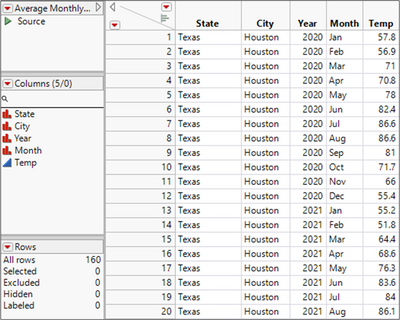
1. Import the data from the file Practice 1.xls into JMP. Your table should look like the following screen capture when finished.
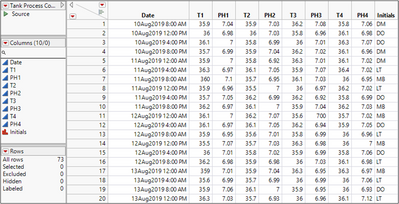
2. Import the data from the file Practice 2.xls into JMP. Your table should look like the following screen capture when finished.
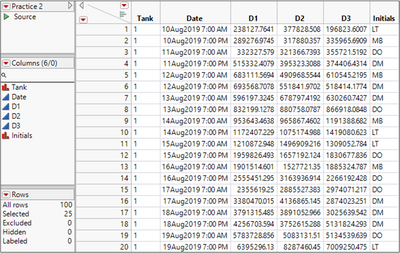
3. Import the data from the file Practice 3.xls into JMP. Your table should look like the following screen capture when finished.