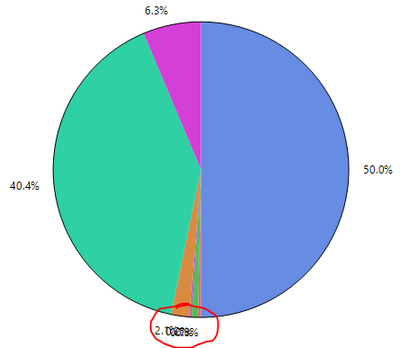
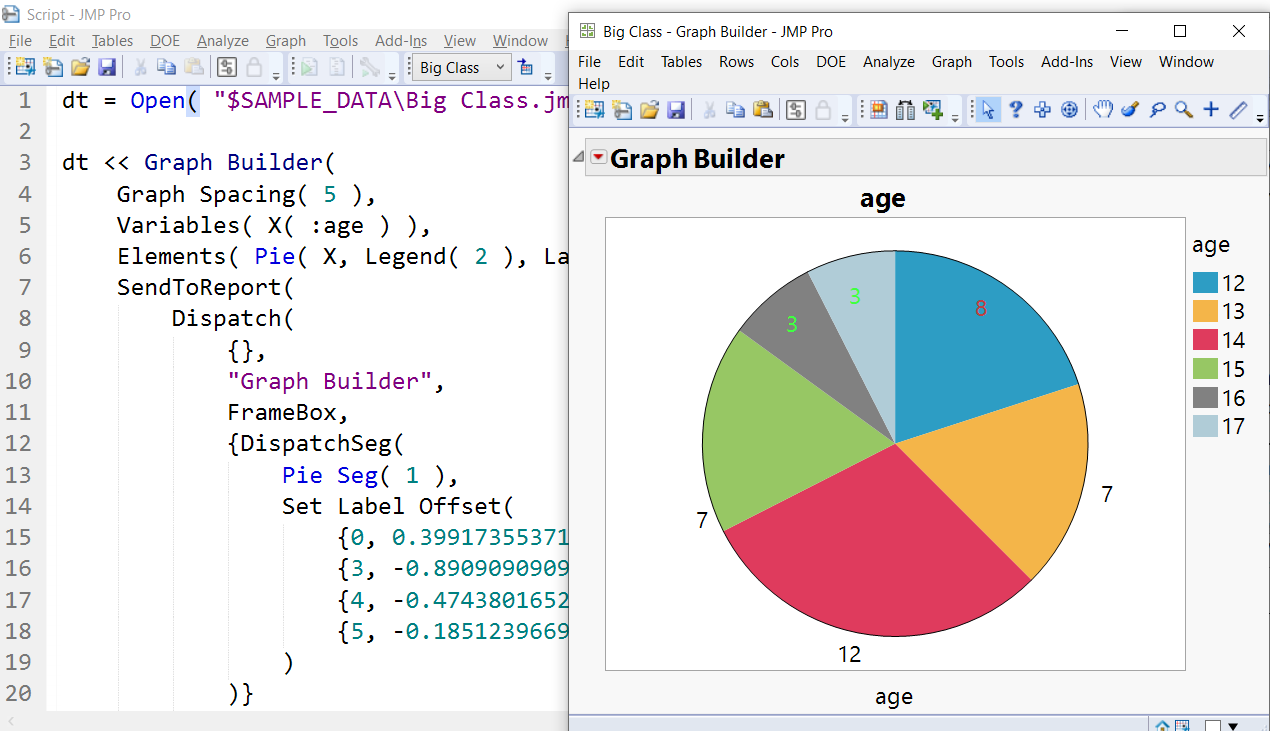
I was able to simply drag the labels to a different position, see screenshot (JMP Pro 16.1 on WIN10).
There you also can see, how this is done in JSL. See the full script below.
Generally, I would avoid Pie-charts, as they are inferior to other representation, there is a lot discussion in the community on this.
dt = Open( "$SAMPLE_DATA\Big Class.jmp" );

dt << Graph Builder(
	Graph Spacing( 5 ),
	Variables( X( :age ) ),
	Elements( Pie( X, Legend( 2 ), Label( "Label by Value" ) ) ),
	SendToReport(
		Dispatch(
			{},
			"Graph Builder",
			FrameBox,
			{DispatchSeg(
				Pie Seg( 1 ),
				Set Label Offset(
					{0, 0.399173553719008, 0.633471074380165, 8},
					{3, -0.890909090909091, -0.35, 7},
					{4, -0.474380165289256, 0.558264462809917, 3},
					{5, -0.185123966942149, 0.685537190082645, 3}
				)
			)}
		)
	)
)
;
Georg