Level: Intermediate
Job Function: Analyst / Scientist / Engineer
Laura Lancaster, JMP Principal Research Statistician Developer, SAS
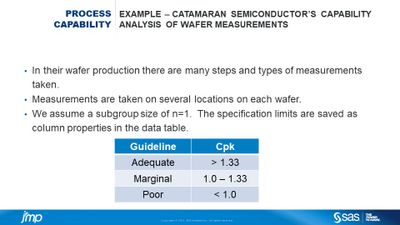
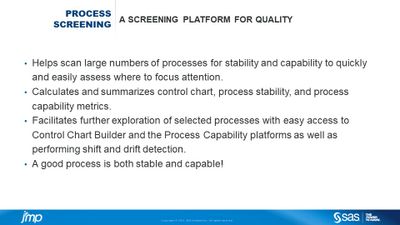
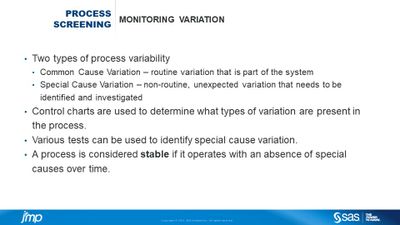
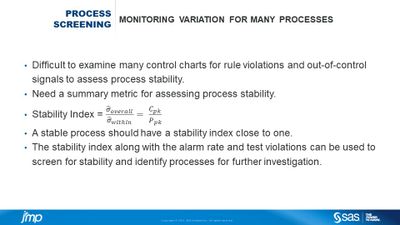
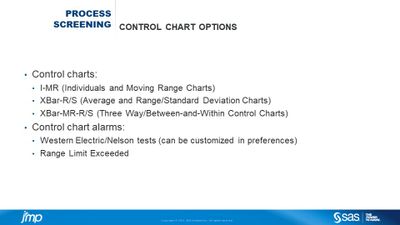
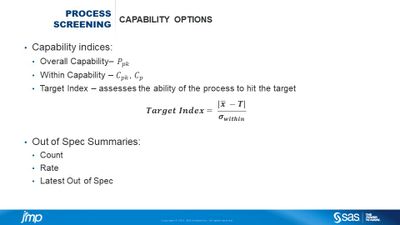
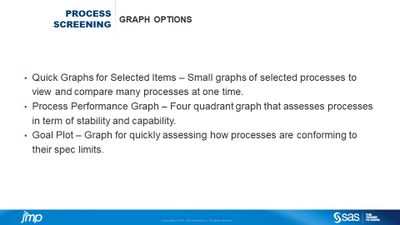
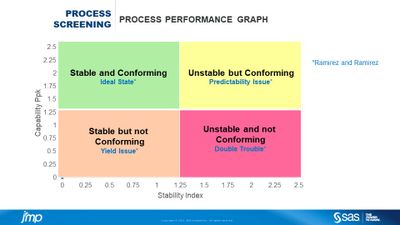
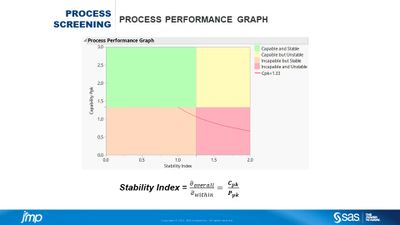
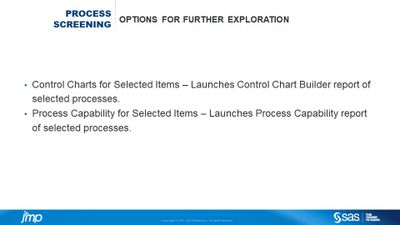
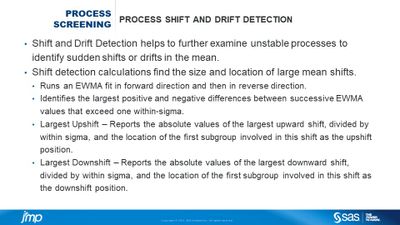
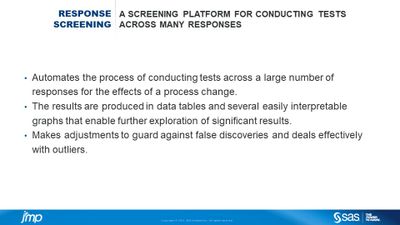
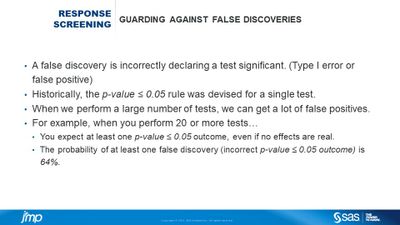
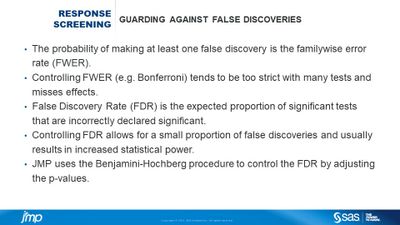
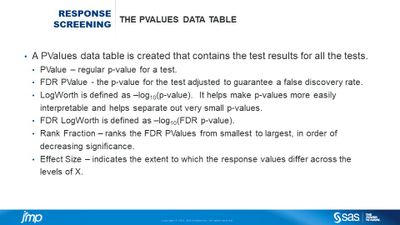
In this age of big data and complex manufacturing there is often an enormous amount of process data that regularly needs to be monitored and analyzed to maintain or improve quality. It can be difficult for analysts to keep up with the demands of monitoring so much data with limited time and resources. JMP has several tools to help the analyst quickly and efficiently increase the scale of their process monitoring. The Process Screening platform in JMP allows users to easily scan large numbers of processes for stability and capability, and enables them to quickly focus attention on processes that need improvement. This saves time, reduces workload and improves quality. The platform initially computes a summary report based on control chart, capability and stability calculations and creates several graphs for quick visual assessment of the health of many processes. Based on these initial results, it is easy to select the processes that need attention and explore them more in depth with easy access to Control Chart Builder and the Process Capability platforms. The Response Screening platform in JMP allows users to test many process measurements for the effects of a process change with adjustments to guard against incorrect declarations of significance. The platform initially produces results and summary statistics in data tables along with several easily interpretable plots in a report to enable further exploration of significant results. This talk will use case studies to demonstrate how to use JMP to monitor and analyze many processes for fast and efficient improvement.