cancel
Showing results for 
Show  only  | Search instead for 
Did you mean: 
  • DownloadSemiconductor Toolkit: Tools to create wafer maps, add wafer geometry to graphics, explore die defects & compare wafers.
  • Discovery Summit 2026: Early User Edition - September 23-24.Register. It's free.
  • Use JMP Clinical with CDISC-compliant data. Review studies, ID safety and efficacy signals & communicate findings with interactive graphics. Register to see how. Aug. 27, 2 pm US ET.

JMP Wish List

We want to hear your ideas for improving JMP. Share them here.
Choose Language Hide Translation Bar

One-click Expanding of the X/Y Variables in Graph Builder

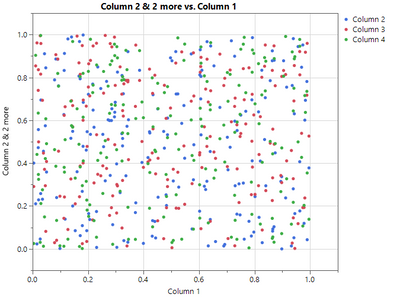
JustinSuIntel_1-1614364640069.png

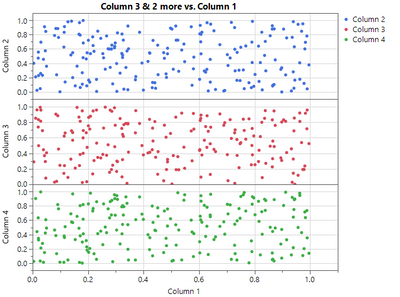
One Click

JustinSuIntel_3-1614364724794.png


1 Comment
hogi
Level XIII

This can be easily accomplished via scripting:

dummy plot as input:

Graph Builder(
	Variables( X( :weight ), Y( :weight ), Y( :height, Position( 1 ) ) ),
	Elements(
		Points( X, Y( 1 ), Y( 2 )),
		Smoother( X, Y( 1 ), Y( 2 ) )
	)
);

hogi_0-1760731885663.png


Names Default To Here(1)

myScript = ((current report()[OutlineBox(1)]) << get scriptable object())<< get script;
Eval(Substitute(Name Expr(myScript), Expr(Position()), {}));

the idea: replace the position() commands with something innocent.